
ReiBoot
ReiBoot is a Tenorshare utility for Windows that puts an iPhone or iPad into or out of recovery mode and repairs common iOS system problems.
69.7 MB

iTools is a Windows program from ThinkSky for managing an iPhone or iPad: transfer files, back up data and organise apps without iTunes.
Average 0.0 · ratings: 0
Thank you! Your rating is saved; you can change it. Could not save the rating. Please try again later. Too many ratings from your network today. Please try again tomorrow. The average appears after 5 ratings.
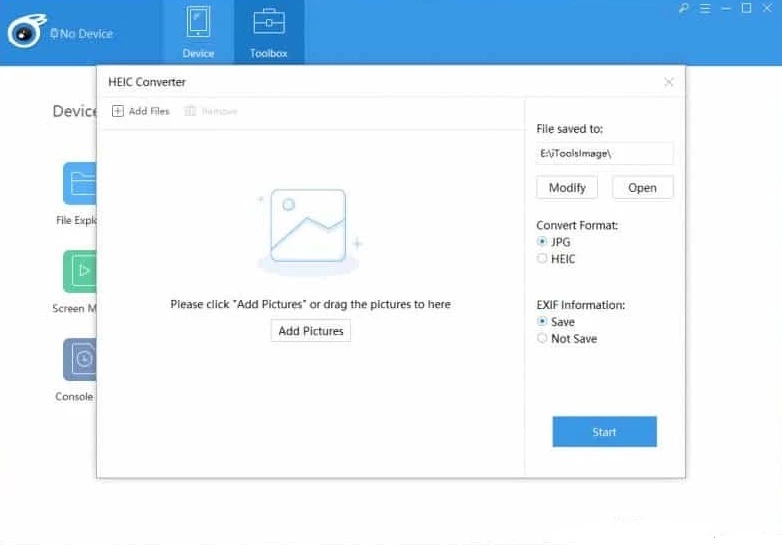
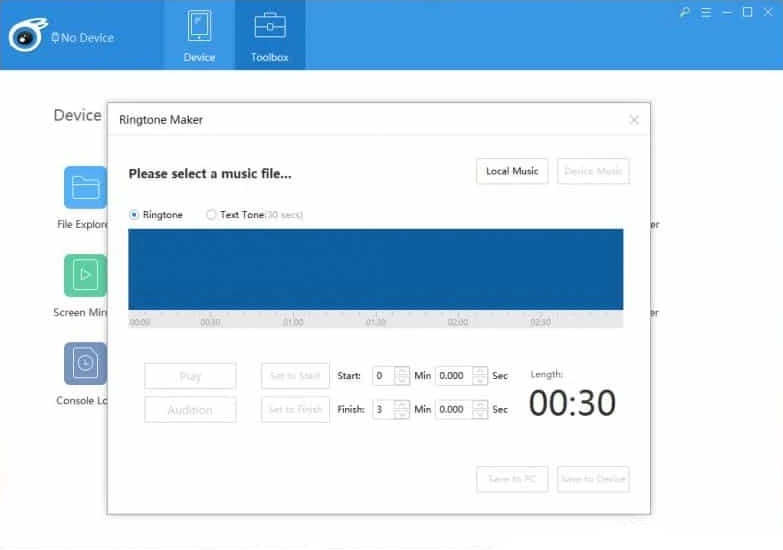
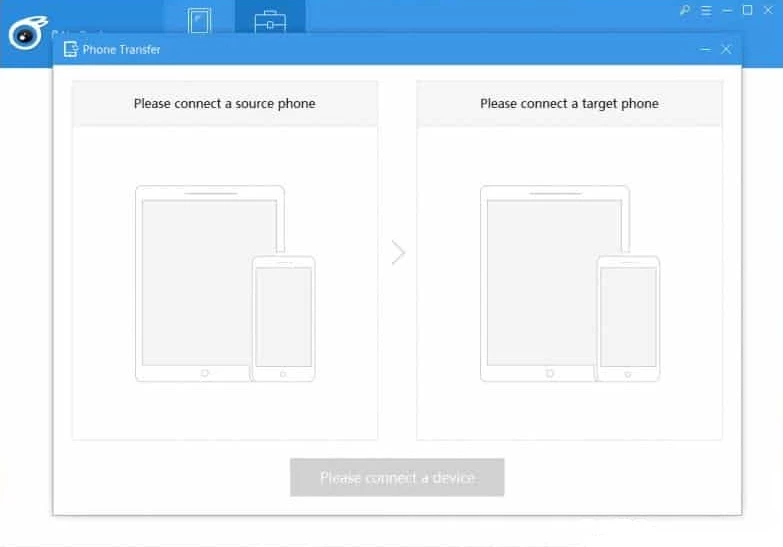
iTools 4.5.1.9 is a desktop manager for iPhone and iPad from the Chinese developer ThinkSky, available for Windows and macOS. You download iTools on a PC when you want to copy photos, music, videos and documents between the computer and an Apple device without going through iTunes.
Apple's own way to manage an iPhone from Windows has long been iTunes and, more recently, the Apple Devices app. Both are built around syncing: you set up a library, choose what to sync, and the program mirrors it onto the phone. Many users find that model awkward when all they want is to drag a few photos to a folder, drop a ringtone onto the phone or check how storage is used. iTools takes a file-manager approach instead. After you connect the device by cable and trust the computer, the program shows sections for photos, music, videos, books, contacts, messages and apps, and you can export or import items directly. It also includes a backup and restore tool, a ringtone maker, a battery information screen and, according to the developer's update notes, a virtual location feature that changes the GPS position reported by the iPhone. iTools is a third-party program: it is not made or supported by Apple, it relies on Apple's device drivers to talk to the phone, and after major iOS updates some functions may need a newer version of the program.
The iTools FAQ lists Windows XP, Vista, 7, 8 and 10 on the PC side, and macOS from OS X 10.10 to High Sierra for the Mac edition. The installer takes about 76.44 MB according to catalogue data. Apple's device drivers must be present; if the phone is not detected, installing Apple Devices or iTunes from Microsoft Store usually adds them.
Get the program only from the developer's site. Copies of iTools on file-sharing pages sometimes come with bundled adware. Before any restore, make an extra backup, because restoring overwrites data on the phone. Keep in mind that virtual location can break the rules of some apps and games.
iTools is offered as freeware with a trial of some features; the developer sells a licence that unlocks the full set. Check what the free mode includes on the official site before buying.
Similar iPhone managers on our site include 3uTools, which also covers device information and backups, and ReiBoot for fixing an iPhone stuck in recovery mode. For Samsung phones, Samsung Smart Switch handles transfers and backups, and Huawei HiSuite does the same for Huawei devices.
ReiBoot is a Tenorshare utility for Windows that puts an iPhone or iPad into or out of recovery mode and repairs common iOS system problems.

DirectX 9.0c is an older version of Microsoft's multimedia and graphics APIs that many classic Windows games still need to run.

DirectX 10 is a version of Microsoft's multimedia and graphics API that comes with Windows; older games may also need the DirectX End-User Runtime.

3uTools is a free Windows program for managing an iPhone or iPad from a PC, including files and device information.

Huawei HiSuite is Huawei's official PC suite for Windows and macOS for backing up, managing and updating Huawei phones and tablets.

DirectX 11 is a version of Microsoft's collection of multimedia and graphics APIs that Windows games and apps use to work with the graphics card and sound.

DirectX 12 is Microsoft's graphics and multimedia API for Windows. It is part of the system and updated through Windows Update and graphics drivers.

DriverPack Solution is a free Windows tool by Artur Kuzyakov that detects missing or outdated drivers and installs them from its own driver collection.